
Settings
Open Settings from the sidebar to manage your Browserflare configuration.
Cloudflare Credentials
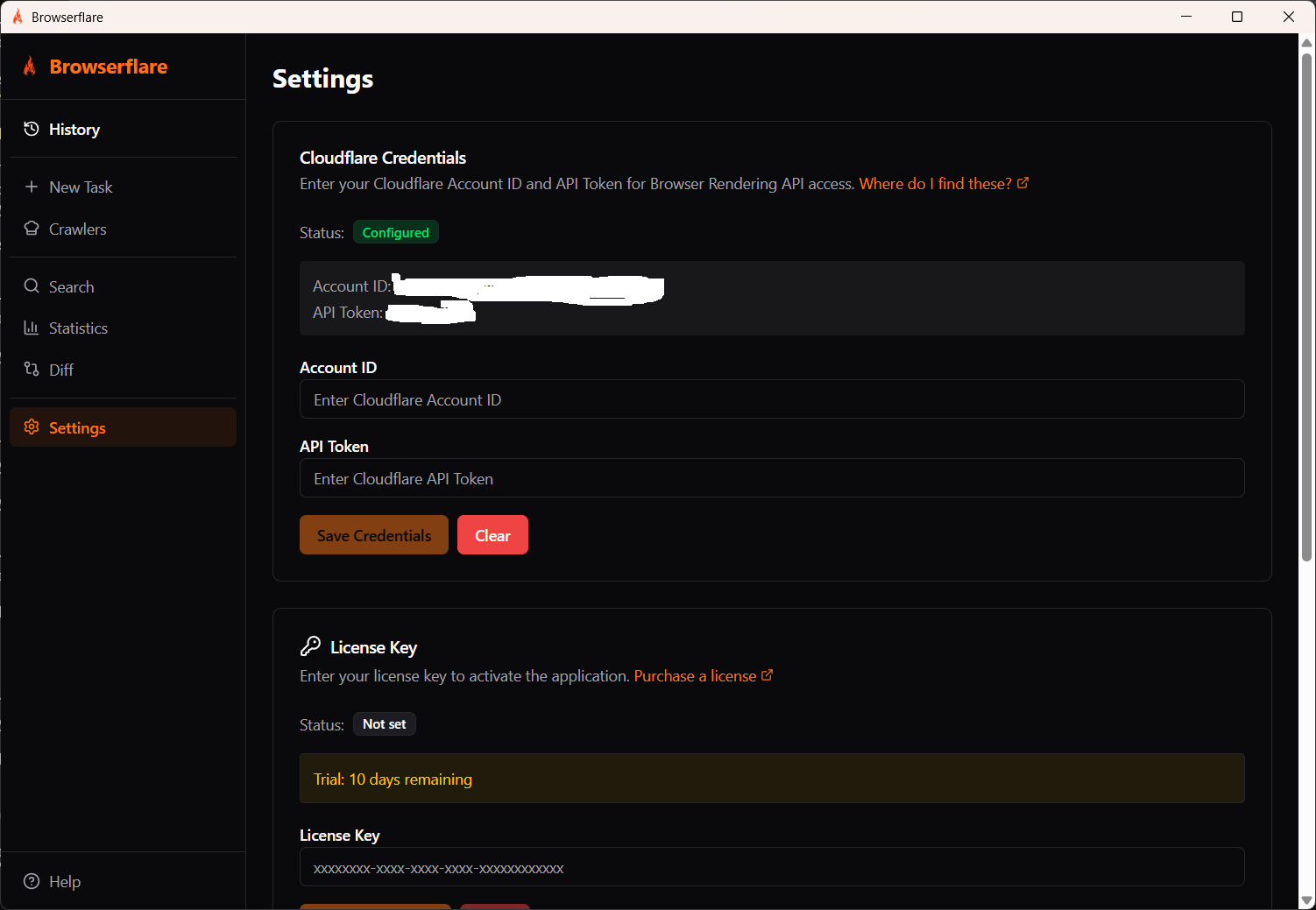
Section titled “Cloudflare Credentials”Enter your Cloudflare Account ID and API Token to connect to the Browser Rendering API. See the Cloudflare Credentials guide for details on getting these.
License Key
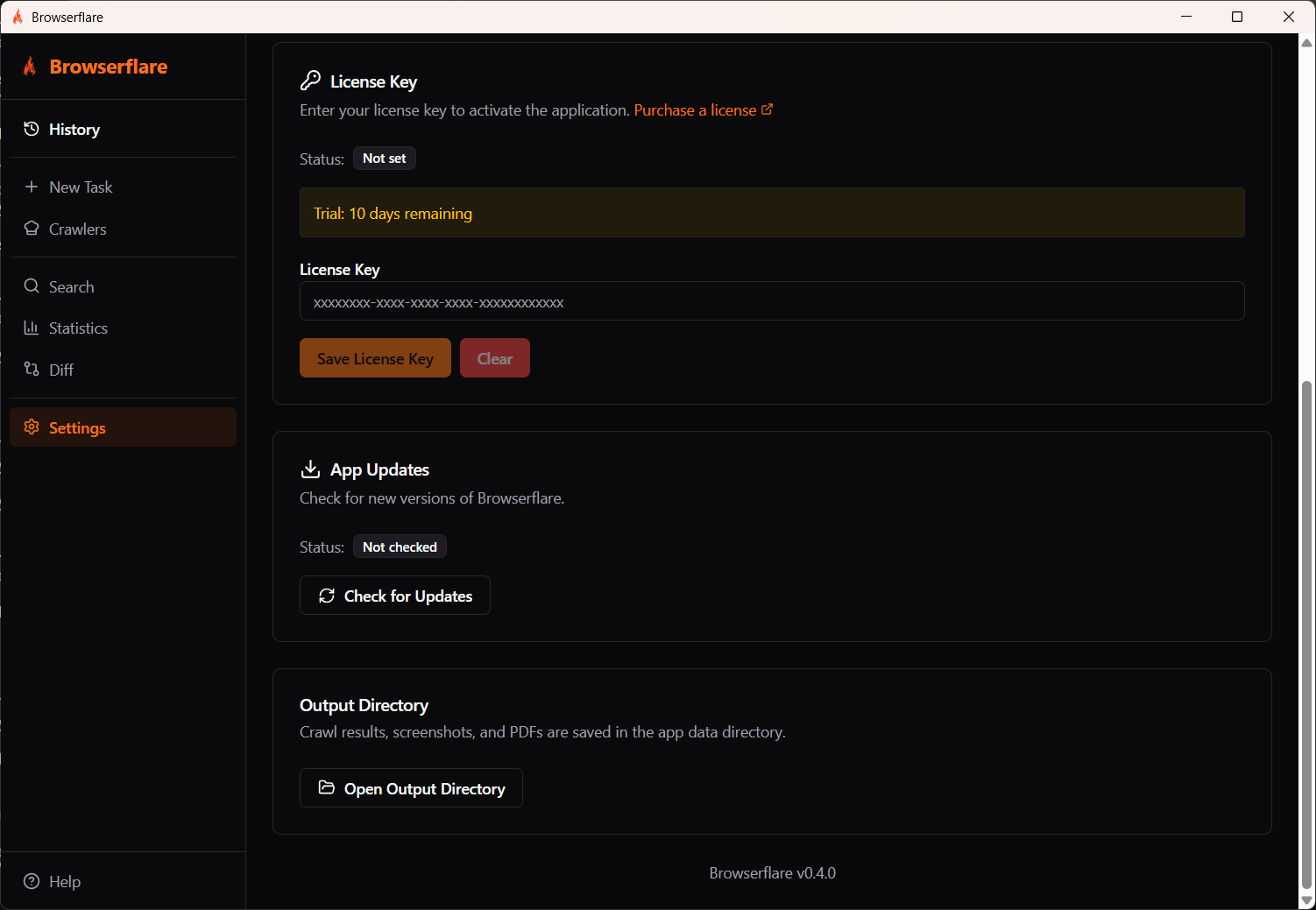
Section titled “License Key”Enter your license key to activate Browserflare. Without a license key, the app runs in trial mode with a limited number of days.
To purchase a license, click the Purchase a license link in the app.
App Updates
Section titled “App Updates”Click Check for Updates to see if a new version of Browserflare is available.
Output Directory
Section titled “Output Directory”Crawl results, screenshots, and PDFs are saved in the app data directory. Click Open Output Directory to view your saved files.