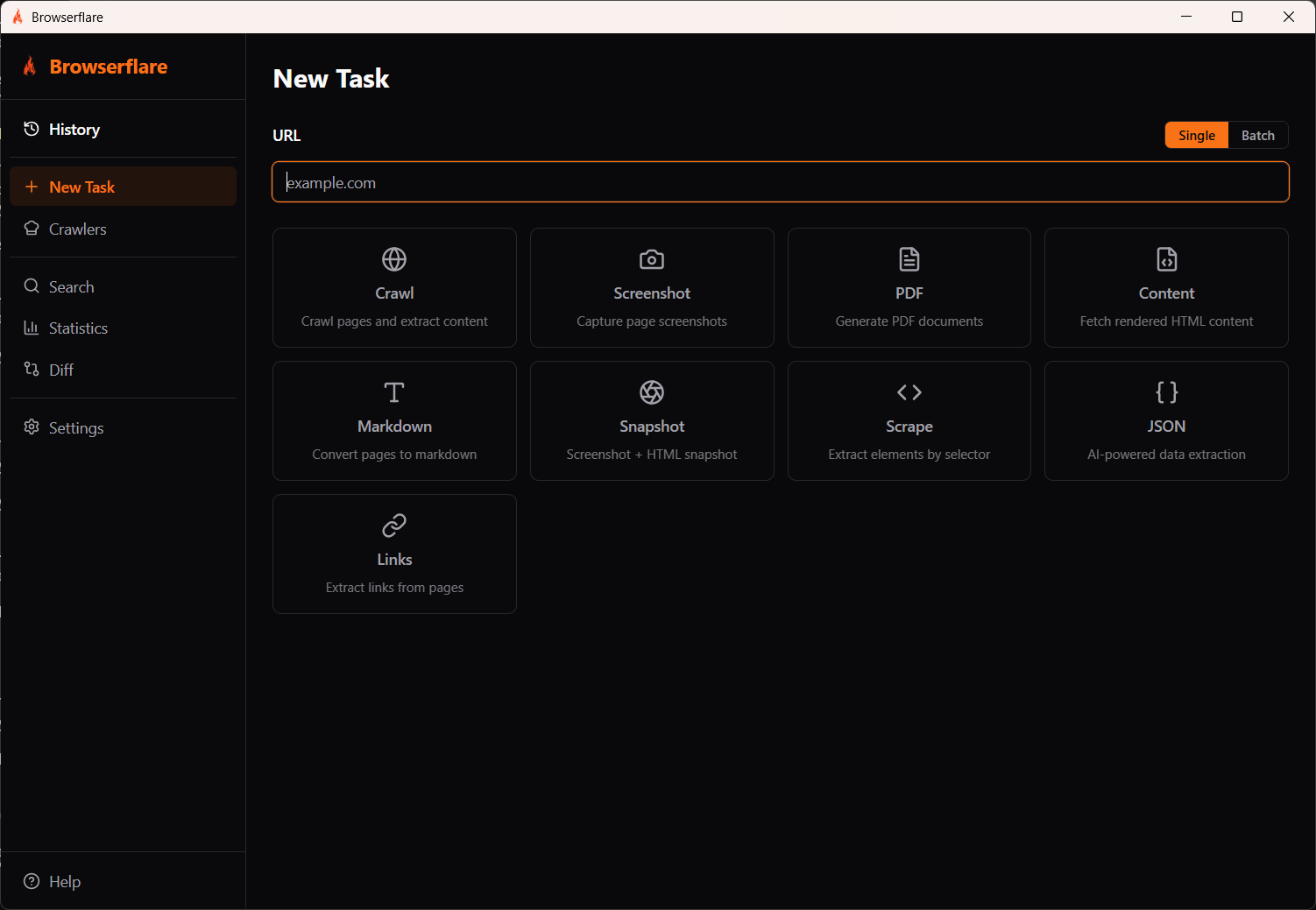
A desktop app for Cloudflare's Browser Rendering API. Crawl, screenshot, generate PDFs, scrape data, extract structured JSON, and use pre-built crawlers to pull product data from popular sites — all from one interface.
Available for Windows and macOS.
Run any task from a single interface — crawl, screenshot, PDF, scrape, extract JSON, and more
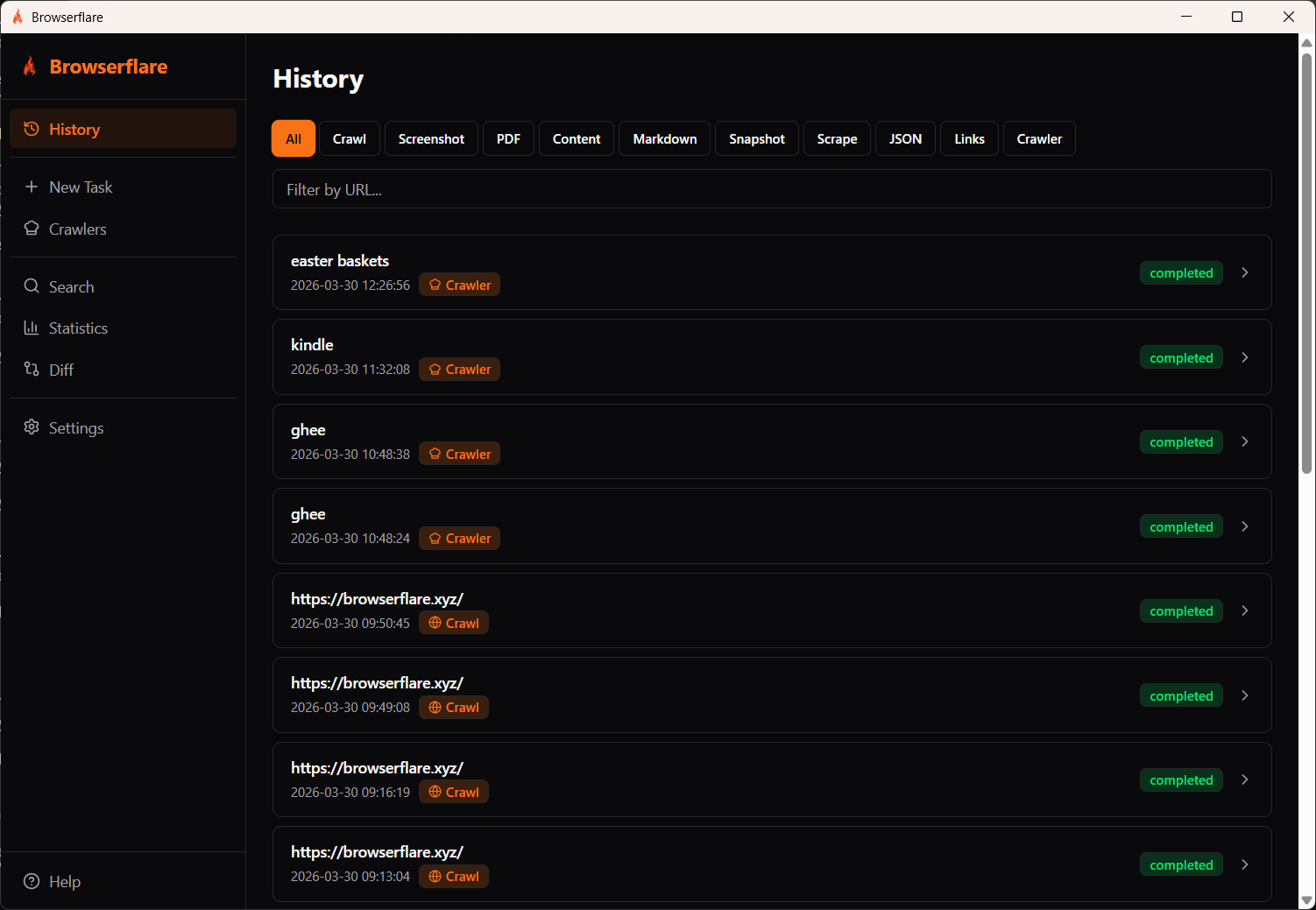
Filter and review all your tasks — crawls, screenshots, PDFs, scraped data, and crawler results
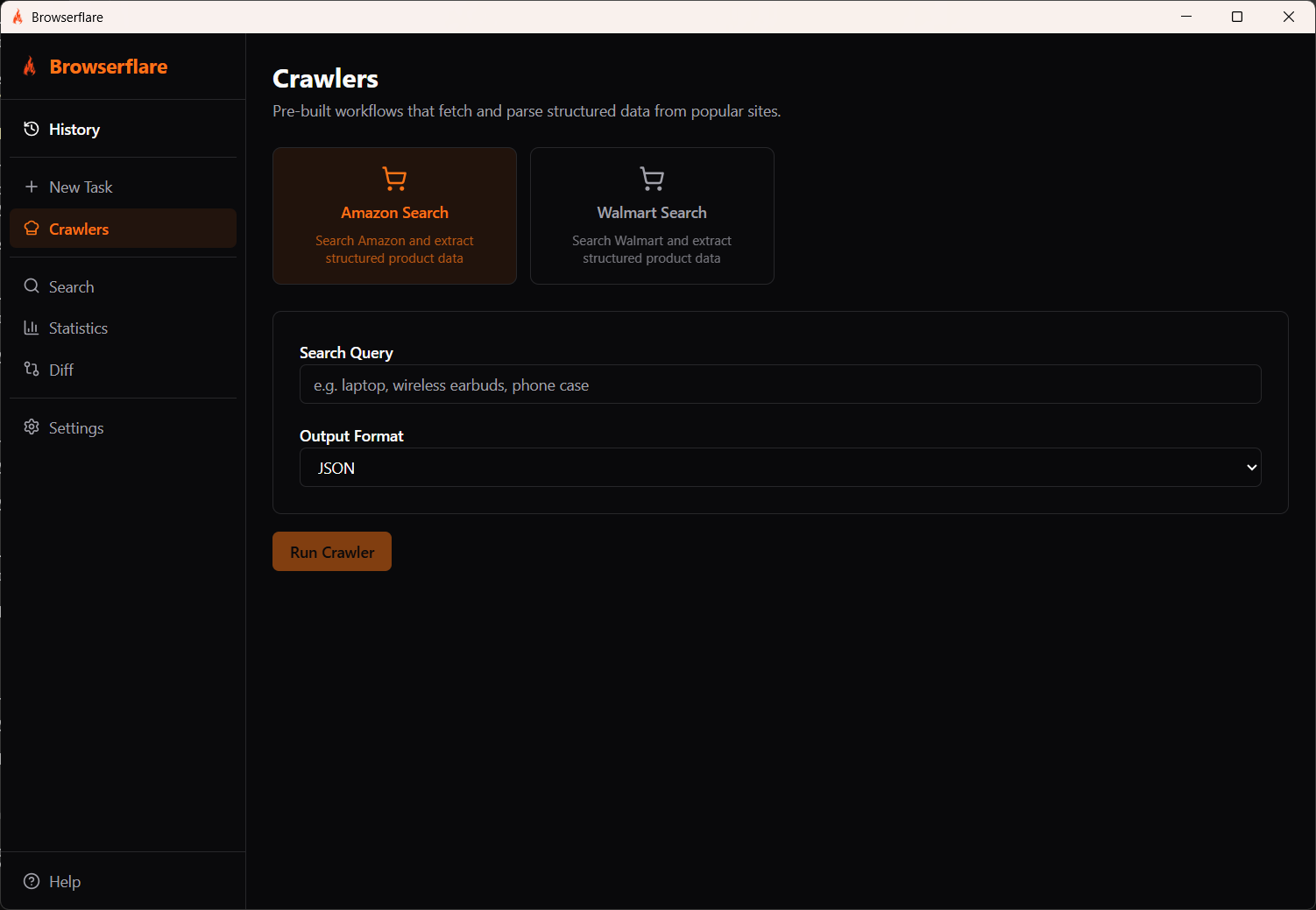
Pre-built crawlers extract structured product data from popular sites like Amazon
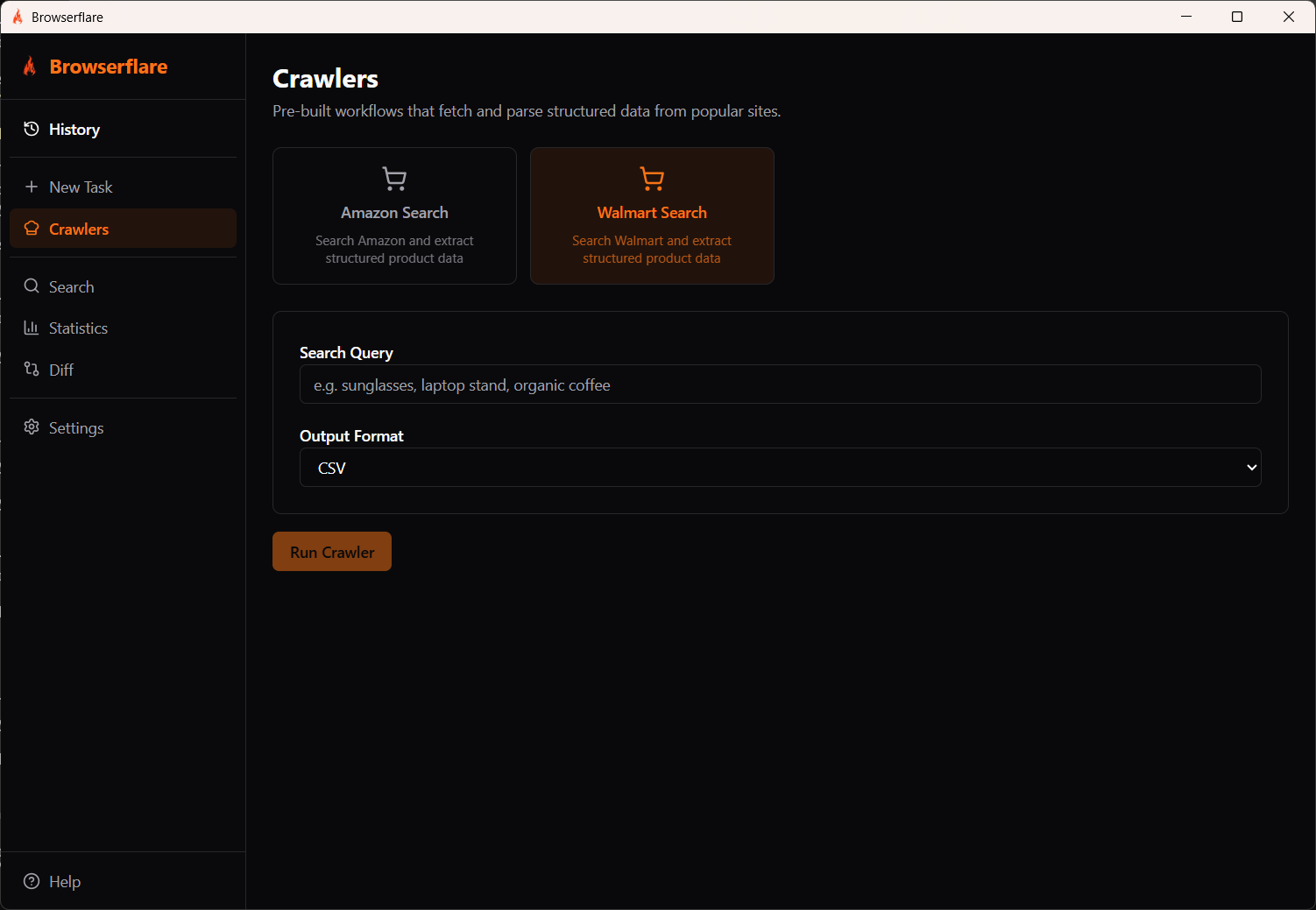
Choose your output format — JSON for structured data or CSV for spreadsheets
Crawl any website with configurable depth, selectors, and page limits. Extract clean content with Readability or raw HTML.
Capture full-page or viewport screenshots in PNG, JPEG, or WebP. Control quality, dimensions, and transparency.
Generate PDFs with custom paper size, orientation, margins, scale, and background rendering options.
Process multiple URLs at once. Toggle between single and batch mode for any task type — crawls, screenshots, PDFs, scrapes, and more.
View all past and running tasks. Filter by type, search by URL, and inspect results.
Search through crawled results with instant filtering. Find what you need across all your captured data.
Track API usage with detailed statistics. Monitor request counts, response times, and data volumes.
Compare crawl results over time. Spot changes in page content, structure, or metadata between runs.
Extract structured data from popular sites using ready-made crawlers. Get results in JSON or CSV.
Extract structured JSON data from any page using AI. Define what you need and get clean, typed output.
Sign up at dash.cloudflare.com if you don't have one already. The Browser Rendering API works on both Free and Paid Workers plans.
Navigate to your Cloudflare dashboard. Copy your Account ID and generate an API Token with Browser Rendering permissions.
Launch the app and enter your Cloudflare Account ID and API Token in the settings screen. Credentials are stored securely on your machine.
You're ready to go. Enter a URL and start crawling pages, capturing screenshots, or generating PDFs.