
Get Your Cloudflare Credentials
Browserflare needs two things from your Cloudflare account: your Account ID and an API Token. This guide walks you through getting both.
Account ID
Section titled “Account ID”- Log in to the Cloudflare dashboard
- On the Account Home page, click the menu button next to your account name and select Copy Account ID
- Paste it into Browserflare’s Settings
API Token
Section titled “API Token”Browserflare requires an API Token with permissions to use the Browser Rendering API.
Quick method
Section titled “Quick method”Use this link to create a pre-configured token with the correct permissions:
Review the pre-filled settings, click Continue to summary, then Create Token. Copy the token immediately — you won’t be able to see it again.
Manual method
Section titled “Manual method”If you prefer to create the token manually:
- Go to My Profile → API Tokens
- Click Create Token
- Choose to create a custom token (rather than using a template)
- Configure the token:
- Token name — give it a descriptive name like
Browserflare - Permissions — add the following:
- Account · Cloudflare Browser Rendering · Edit
- Account Resources — select the account you want to use
- Token name — give it a descriptive name like
- Click Continue to summary, then Create Token
- Copy the token immediately — you won’t be able to see it again
Enter it in Browserflare
Section titled “Enter it in Browserflare”- Open Browserflare and go to Settings
- Paste your Account ID and API Token into the corresponding fields
- Click Save Credentials
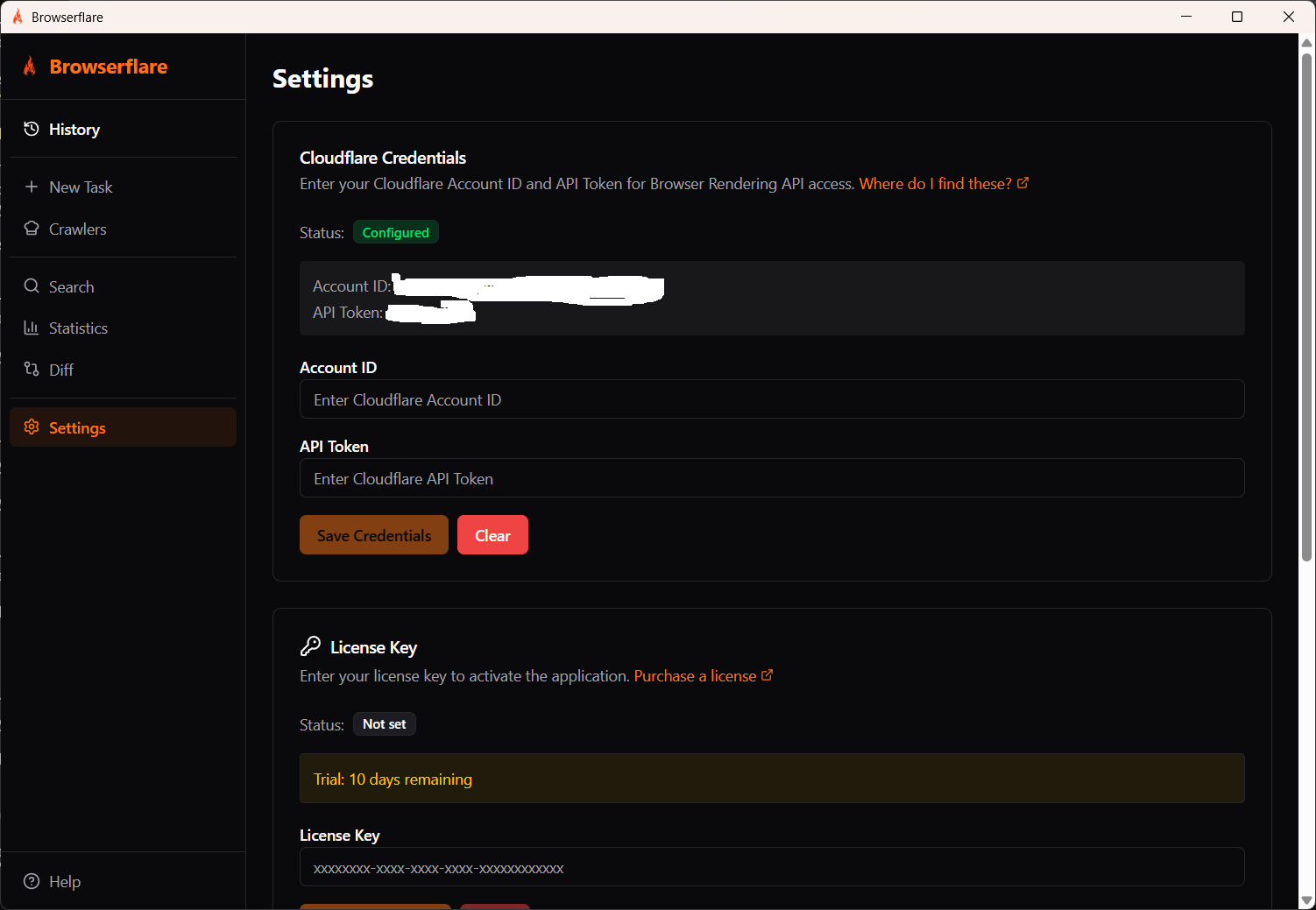
Once saved, the status badge changes to Configured and your credentials are shown for reference.
Troubleshooting
Section titled “Troubleshooting”“Authentication error” after entering credentials
- Double-check that you copied the full Account ID and API Token without extra spaces
- Make sure the token has the Cloudflare Browser Rendering · Edit permission
- Verify the token is scoped to the correct account
“Insufficient permissions” when running a task
- The Browser Rendering API is available on both Free and Paid Workers plans. Free plan accounts are limited to 10 minutes of usage per day. Consider upgrading to a Workers Paid plan for higher limits
- Confirm the API Token includes the Browser Rendering permission